My IndieWebCamp Düsseldorf Demo: Extended Edition
The second part of IndieWebCamp Düsseldorf 2026 was “create day” where you take your inspiration from day one, make it a reality, and show it to everyone else.
My inspiration was from a few weeks ago when Ricardo demonstrated his new setup at Homebrew Website Club London. I guess I was prompted into action by the How to unblock yourself and actually post more often session this weekend, but I’m trying to give credit where it’s due, since my demo was basically the same as his.
What I didn’t show, however, was all the work that’s been happening over the last few months to make my demo possible, which is why I’m posting this.
Also, I wanted to regain some nerd-cred because my demo was followed by Naty who showed us an updated stats page , which looks awesome and is something I’m going to have to steal.
Intro
My site’s powered by Hugo, which is a static site generator that turns files into a website.
I write posts on my laptop and push them up to GitHub, where the site gets generated with the new content and then deployed to my server. I’ve written about that before, which you don’t need to read for this, I’m just setting the scene.
With that setup I couldn’t publish from my phone, which is sometimes all I have on me.
The indie web has a solution for this called Micropub, which is an API for creating posts on your site, even if you use a static site generator like I do.
IndieKit
As mentioned, a few weeks ago at HWC Ricardo showed us his new setup, to which he’d added a Micropub server called IndieKit.
It was created by Paul Robert Lloyd, who I met (briefly) at an IndieWebCamp eleven years ago.
Side note - isn’t it strange that there’s millions of things on the web but you prefer using the things made by people you’ve met in real life?
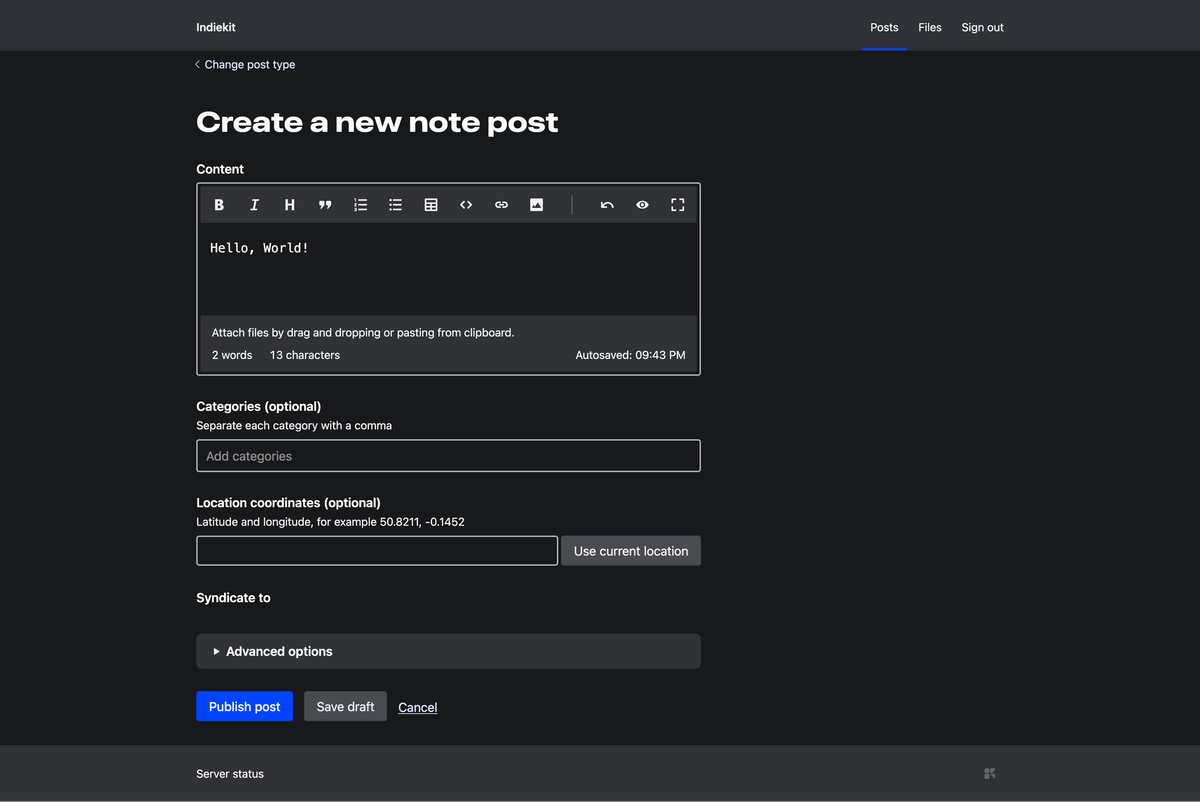
IndieKit works by connecting to the place you store your posts, which for me is GitHub, and lets you write new ones from the web:
✨ Sparkles ✨
The other thing a Micropub server lets you do is use any Micropub client you want. You don’t have to use the one in Indiekit - which is perfectly fine by the way - you can use a different one if you like.
Or you could use multiple. Epilogue and indiebookclub both let you post about books you’ve read.
Or you could post from a native app, like iA Writer, a markdown editor that lets you post to WordPress, Ghost, and with Micropub: your own website.
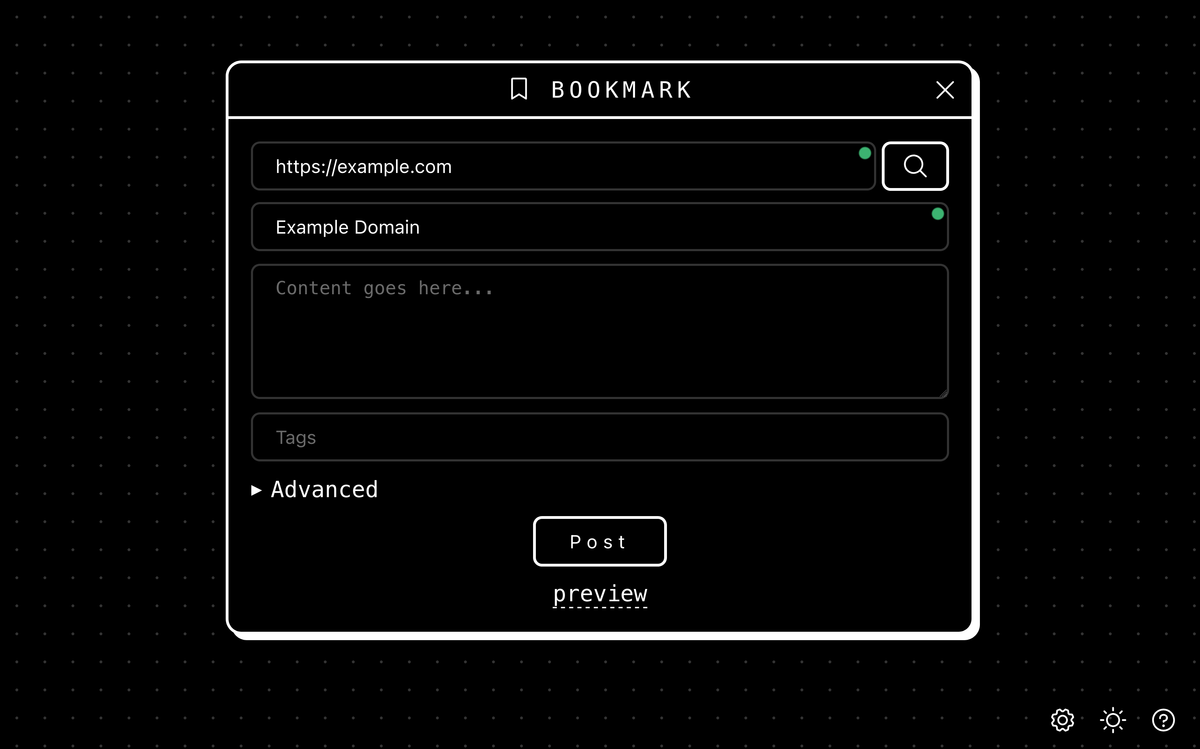
The one Ricardo showed us in his demo, because it’s got a good interface for posting about songs and albums, was Sparkles.
I don’t post about songs or albums, but I do like how it looks, so I included it in my demo:
Bonus content
And that’s where my demo ended.
Here’s the extra footage.
Home server
I first tried running IndieKit on the Raspberry Pi that hosts my site.
The Pi doesn’t have any direct storage attached. That means I can’t reliably run a database on it and IndieKit needs one for some of the features I want from it.
I didn’t want to rent another server. I already have one at home, so I installed IndieKit there instead.
It works, I can access it from my phone, but only on my home network. Not much of an upgrade.
Tunnel
The next step then was to add it to the “tunnel” setup I have.
I rent a VPS, which lives in Nürnberg by the way, and have Pangolin running on it, which is a reverse proxy that sends traffic down a Wireguard tunnel that ends in my home.
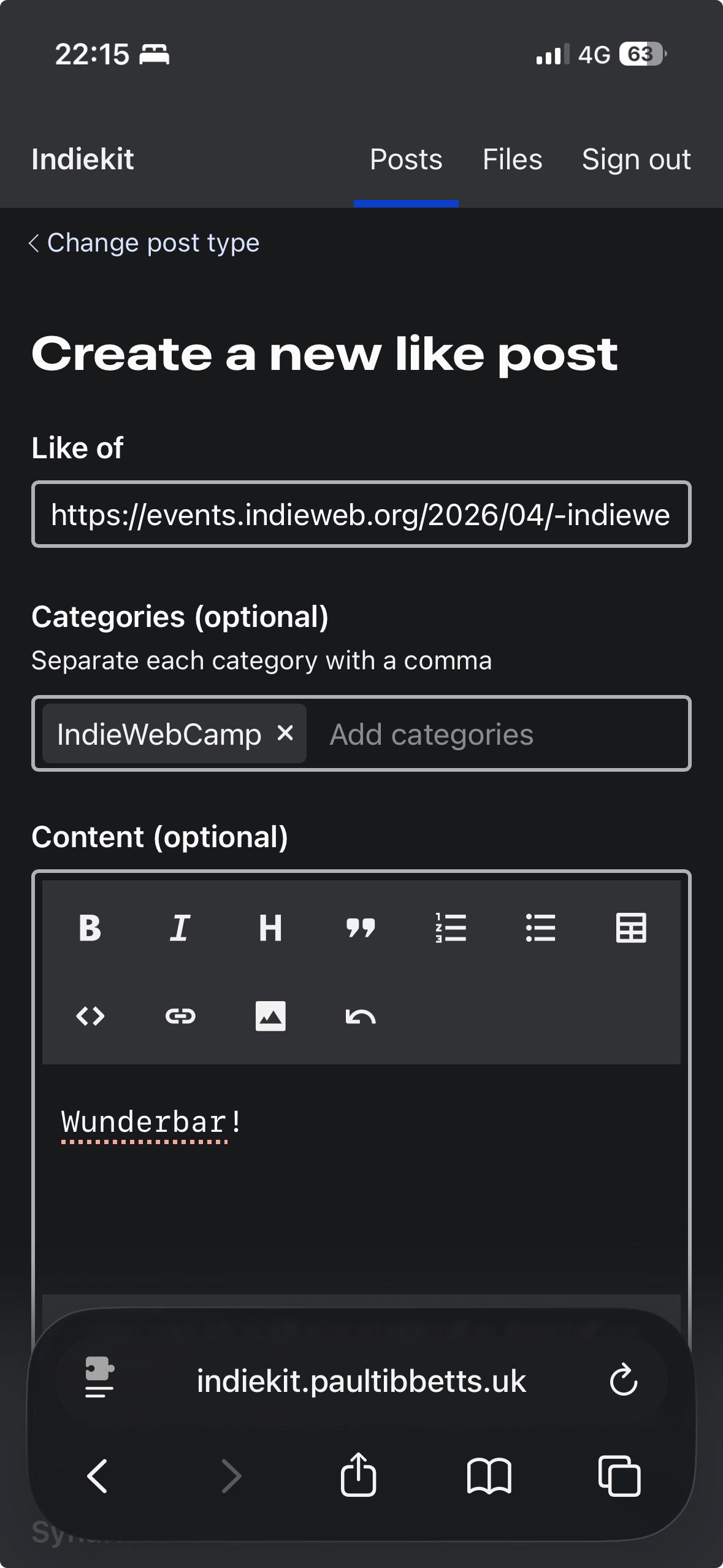
and now I can post to my site, wherever I am 🎉.
Deleted scenes
Dan’s indie feed reader feed.city - which I discovered through IWC this weekend - caught me testing all of this and recorded my test posts.
Sometimes deleted scenes are deleted for a reason. They’re boring.
I only included them here as part of the Extended Edition theme I’ve chosen to use. Let’s skip forward.
Behind the scenes
When I use Sparkles to post to my site:
- I go to sparkles.sploot.com and enter my website’s address
- Sparkles sees the address of the Micropub endpoint I declare in the
<head>of my site- which points at IndieKit
- Sparkles connects to IndieKit
- by going to the VPS in Germany
- through the tunnel into my home in the UK
- and finds IndieKit on my home server
- I write a new post
- IndieKit sends it to GitHub
- GitHub creates a new markdown file
- the change triggers my deployment pipeline
- which builds the site
- and pushes it up to the Raspberry Pi
This is more complex than a typical hosted solution but it means I can self-host IndieKit at home and access it from anywhere.
If you’re into that sort of stuff, stick around, I’ll be posting about the setup and sharing the code soon.
Sequel?
If you’re not, then I might see you at a future IndieWebCamp, hopefully in-person that time.
Maybe that’ll be IndieWebCamp Nürnberg 2026 and I’ll get to meet my VPS for the first time, as well as some of the wonderful people who made this weekend possible.
written by
Paul Tibbetts

canonical url: https://paultibbetts.uk/2026/04/27/my-indiewebcamp-dusseldorf-demo-extended-edition/